Mastering WhatsApp Handoff: Seamlessly Route Chats from AI to Humans
If you’re running customer support or sales on WhatsApp, you already know the drill. Customers expect fast, conversational, and highly accurate responses. To handle the volume, you’ve probably deployed an AI agent. But what happens when the bot gets confused, or the customer has a highly specific issue that requires a human touch?
If your bot traps the user in an endless loop of "I didn't quite catch that," you're going to lose that customer.
This is exactly why building a reliable whatsapp handoff protocol is critical. You need the efficiency of AI for the first 80% of routine questions, combined with the empathy and problem-solving skills of your human team for the remaining 20%.
In this post, we’re going to look at how you can easily implement handoff whatsapp capabilities using the Handoff.chat platform, connecting popular AI agents directly to your WhatsApp Business number.
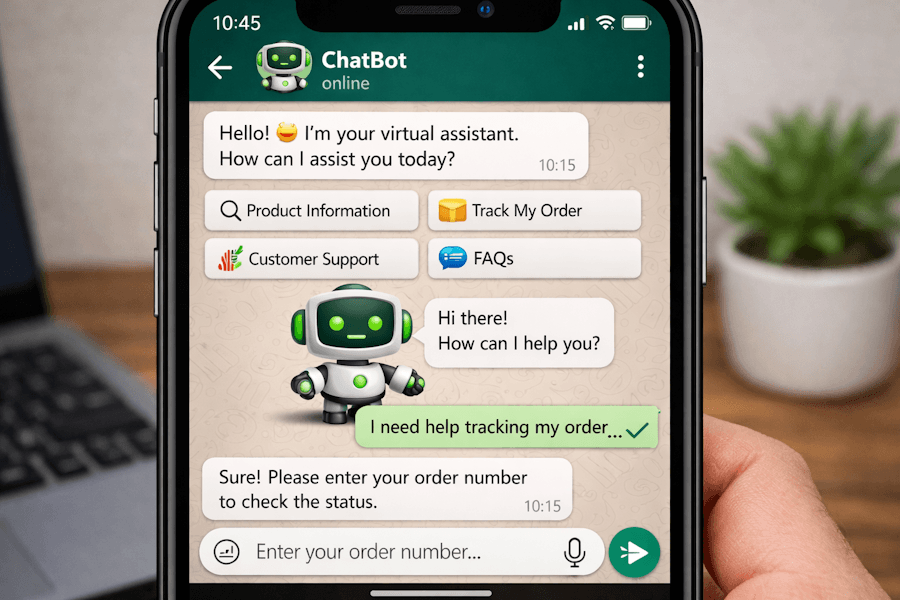
Why WhatsApp specifically?
WhatsApp isn't just another messaging app; it's a direct line to your customers' lock screens. Because the communication feels personal, the tolerance for bad bot behavior is incredibly low. When a customer explicitly asks to speak to a human, the transition needs to happen in exactly the same chat thread, without asking the user to switch to email or a web portal.
Plus, WhatsApp supports rich media. A customer might send a 100MB document or a quick 16MB video of a defective product. Your human agents need to be able to receive those files and reply seamlessly, which is fully supported out-of-the-box by Handoff.chat.
Step 1: Connecting your WhatsApp Business Account
Setting up a WhatsApp integration used to mean spending days dealing with API documentation and complex webhook routing.
With Handoff.chat, we utilize Meta's embedded signup flow. Getting your channel live is practically plug-and-play:
- Navigate to your Handoff admin dashboard and click Connect WhatsApp.
- Click the Login with Facebook button.
- Follow the secure, embedded Meta setup window to select your business account and link your specific phone number.
Once the status verifies your WABA (WhatsApp Business Account) ID and display number, your WhatsApp channel is officially live and ready to route messages.
Step 2: Connecting your AI and Triggering the Handoff
Now that WhatsApp is hooked up to your dashboard, you need to tell your AI agent when it's time to step back and let a human take over. Handoff makes this incredibly simple for the two most popular AI frameworks: OpenAI and Microsoft Copilot Studio.
Using OpenAI Prompts
If you are powering your bot with an OpenAI assistant, you trigger a human handoff by providing the LLM with a specific function tool.
In your OpenAI dashboard, add a new function tool and use this exact definition:
{
  "name": "escalate_to_human",
  "description": "Call this function when the user explicitly requests to speak with a human agent, or if you are unable to resolve their query after multiple attempts.",
  "strict": false,
  "parameters": {
    "type": "object",
    "properties": {},
    "required": []
  }
}
Next, simply update your system prompt to give the AI its marching orders. Add a line like: “If the user explicitly asks to speak to a human, or if you cannot resolve their issue after 3 attempts, call the escalate_to_human function.” Handoff.chat handles the rest automatically. The moment that function fires, the bot is paused, and your human agents are notified.
Using Microsoft Copilot Studio
If you are operating in the Microsoft ecosystem, triggering a handoff is just as intuitive:
- Open your agent in Copilot Studio.
- Navigate to Topics → System → Escalate. (This is the default system topic Copilot uses when things get too complex).
- Add a new node and select Topic management → Transfer conversation.
- Publish your agent.
Whenever the conversation hits that node, Handoff grabs the routing signal and instantly alerts your human team.
Beyond WhatsApp: An Omnichannel Approach
While perfecting your whatsapp handoff is a massive win for customer experience, your customers are likely reaching out from other platforms as well.
The beauty of configuring your AI agents and human routing this way is that the infrastructure is highly reusable. The exact same escalation logic you just built for WhatsApp applies to all the other channels natively supported by Handoff.chat, including:
- Instagram Direct Messages
- Facebook Messenger
- Telegram
- SMS (via Twilio)
Regardless of where the conversation starts, your team manages the human handoff from one unified dashboard.
Ready to stop frustrating your customers?
Trapping users in an AI loop is the fastest way to churn. By implementing a clean, reliable WhatsApp handoff, you get the cost-saving benefits of AI without sacrificing the quality of your customer support.
Sign up for Handoff today and get your WhatsApp AI and human team working together in perfect sync.